
Independent creators
Explore an image concept, animate a selected still, or develop an audio direction from one workspace.
AI CREATION WORKSPACE FOR PRODUCT STORIES
Start with a written brief or reference image. Choose an image, video, or audio workflow, then review the selected model's inputs, settings, and credit cost before generating.

Product close-up
Open with texture, finish, and one clear product benefit.
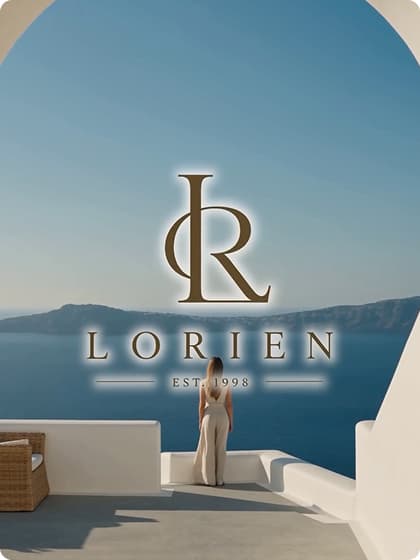
Campaign spot
Structure a short scene around a hook, action, and closing frame.
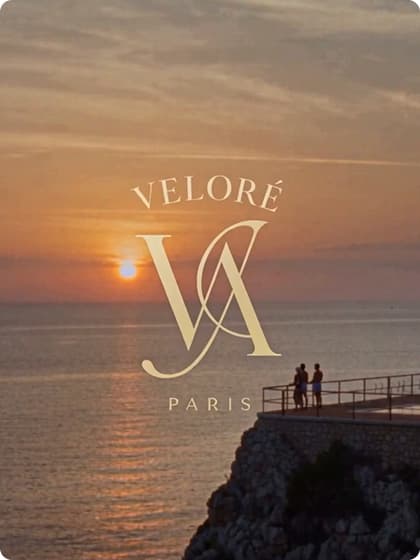
Brand story
Use setting, light, and pacing to make a brand mood tangible.
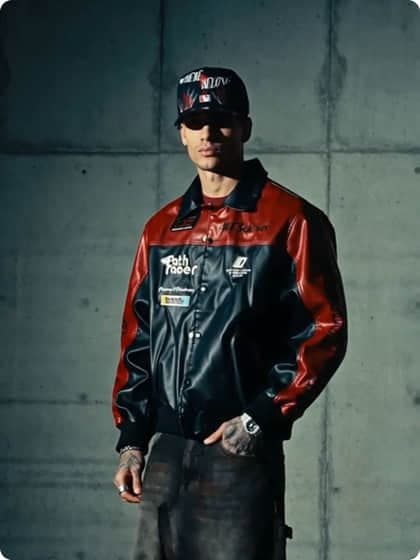
Style preview
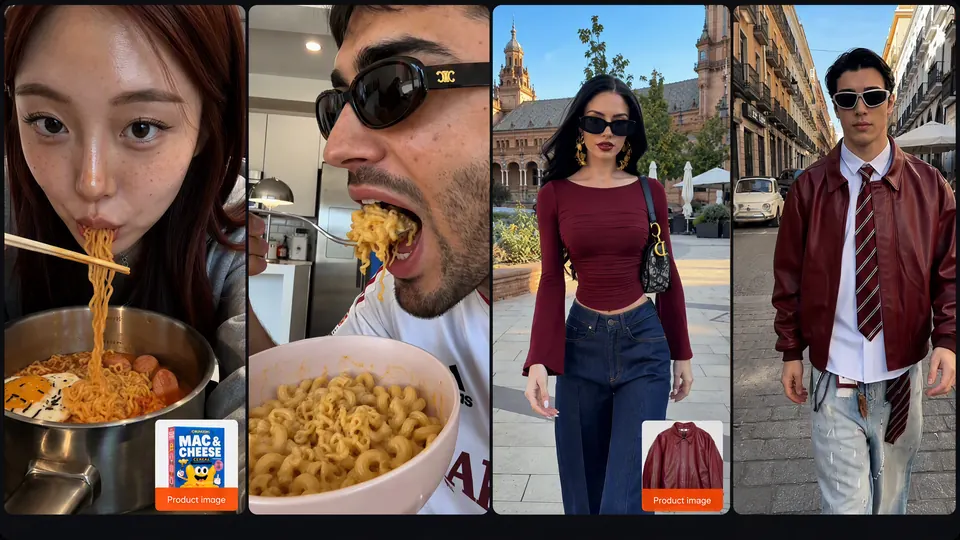
Pair a garment reference with deliberate motion and framing.

Launch teaser
Reveal shape, material, and hero features in a focused sequence.
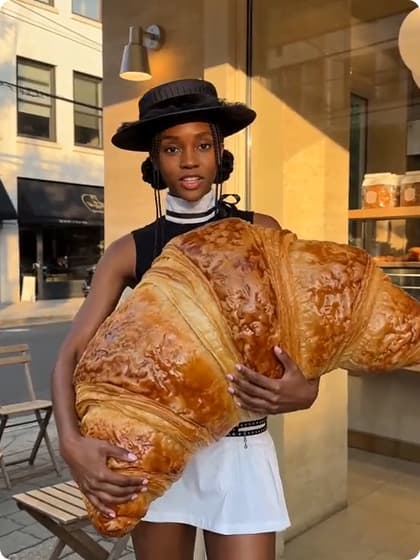
Creator-style ad
Build a vertical concept around a familiar use case and a direct hook.

Unboxing sequence
Make the reveal easy to follow, from packaging to first impression.

How-to clip
Show each step in order and keep the key action in frame.
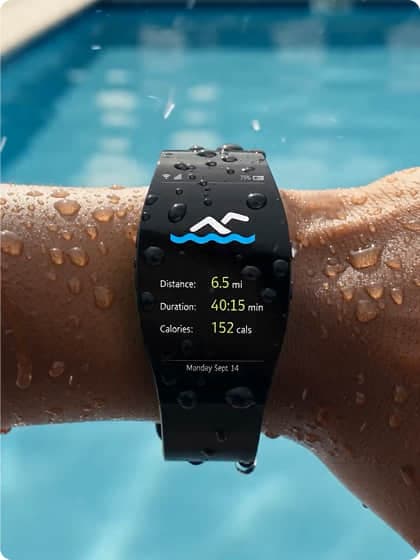
Feature spotlight
Give one customer benefit its own visual example.
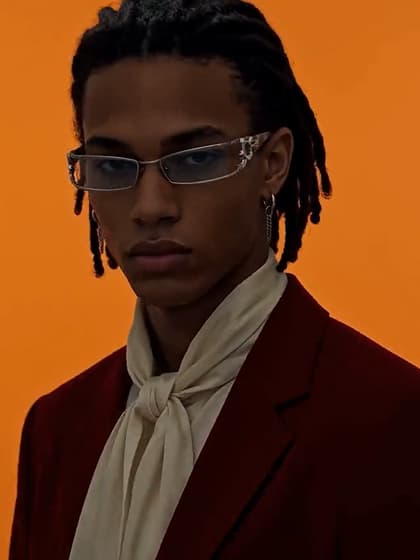
Product film
Choose an angle, a surface, and a camera move before you generate.
ART DIRECTION / 01
Instead of stacking mood words, define the subject, setting, light, and frame. Then refine one choice at a time.

Example prompt
Sea-glass skincare bottle on wet black stone; soft ivory key light, turquoise rim light, reflective surface, editorial product close-up, vertical framing, no lettering.
This is an illustrative concept, not a Snapgen AI generation result. Output varies by model and settings.
A guided creation workflow
Start with a text brief or supported reference, select an image, video, audio, or Agent workflow, and check model-specific inputs and credit costs.

Create a new image from a description or guide an edit with a reference.

Use only the image or media inputs supported by the selected model.

Pair a starting frame with a focused prompt about movement and camera.
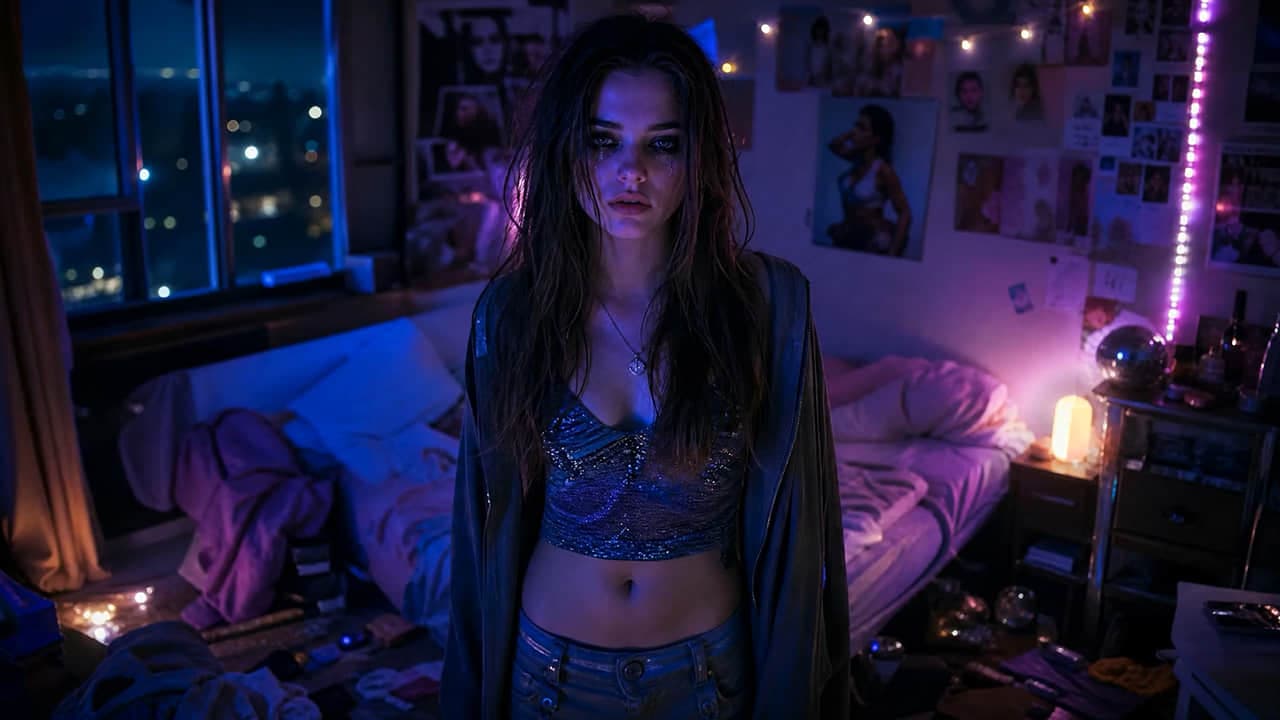
Describe the action, setting, and framing; results vary by model.

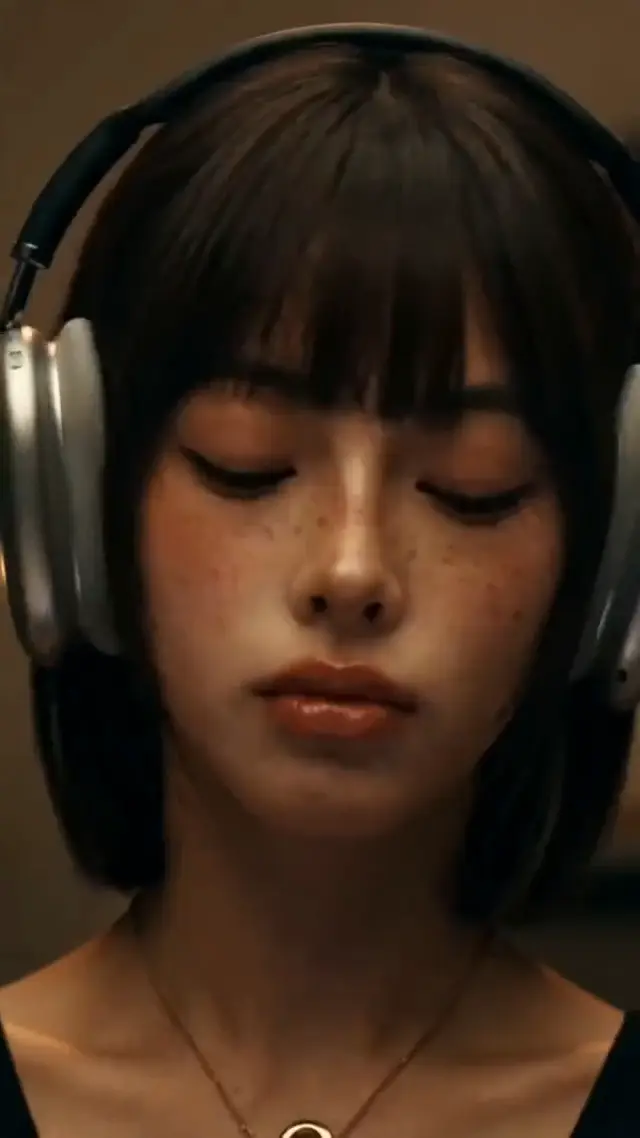
Describe genre, mood, tempo, and instruments; controls vary by model.
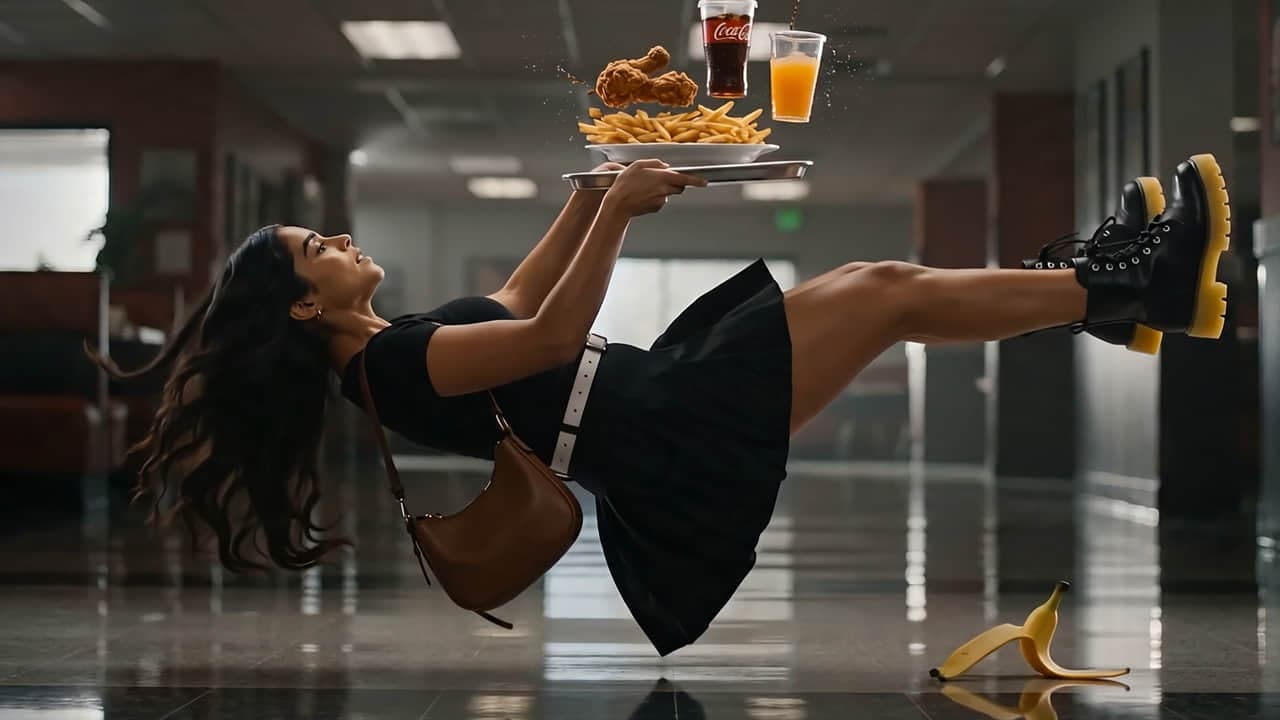
Name the subject, scene, light, and composition, then adjust one detail at a time.
Explore how each tool starts
Snapgen AI prompt studies · illustrative
Use a short brief to spell out the subject, action, format, and visual mood. These prompt studies are illustrative; actual results depend on the model and settings you choose.
Illustrative prompt study
Campaign brief
9:16 · Hook → product action → quiet payoff. Add exact branding and offer text in an editor.
Choose your starting point
Start from a product brief, a still image, or an audio idea; open the workflow that fits and compare its model controls there.
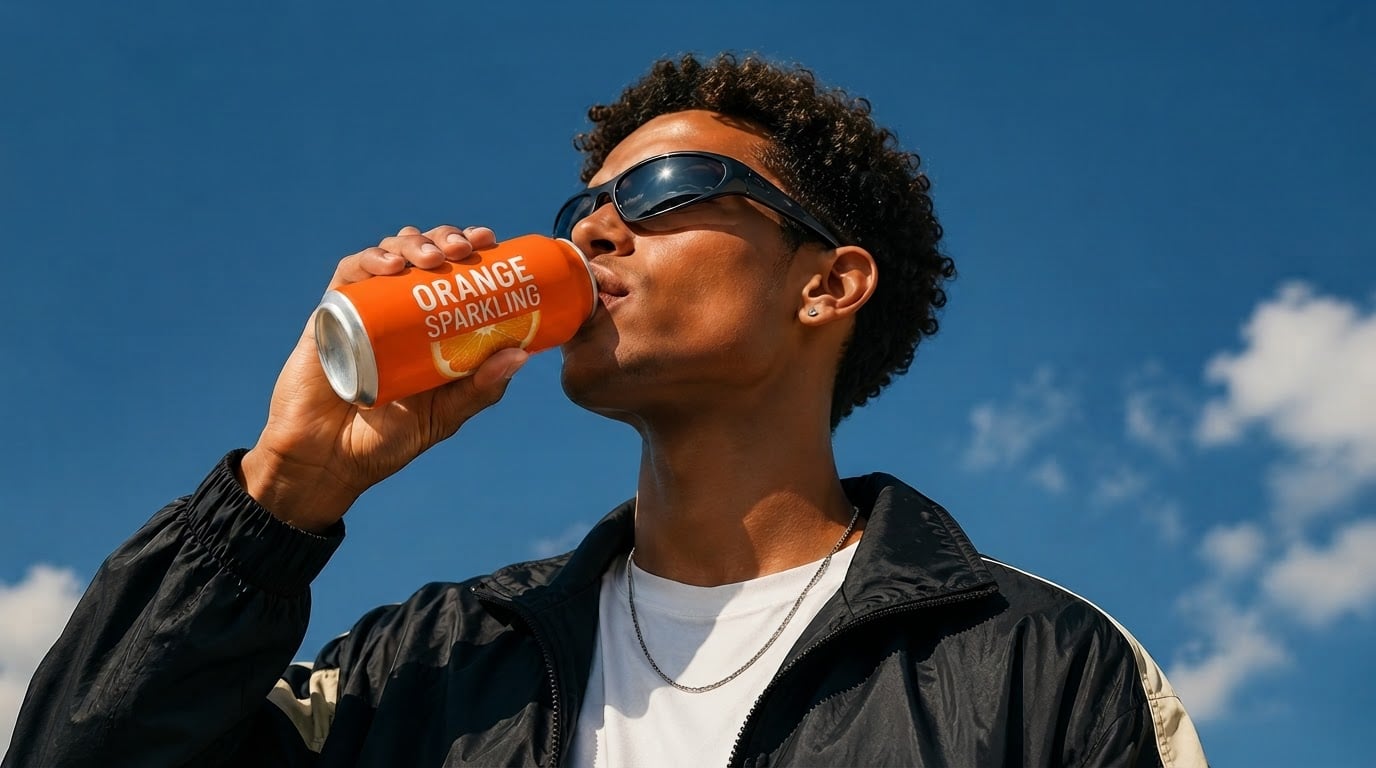
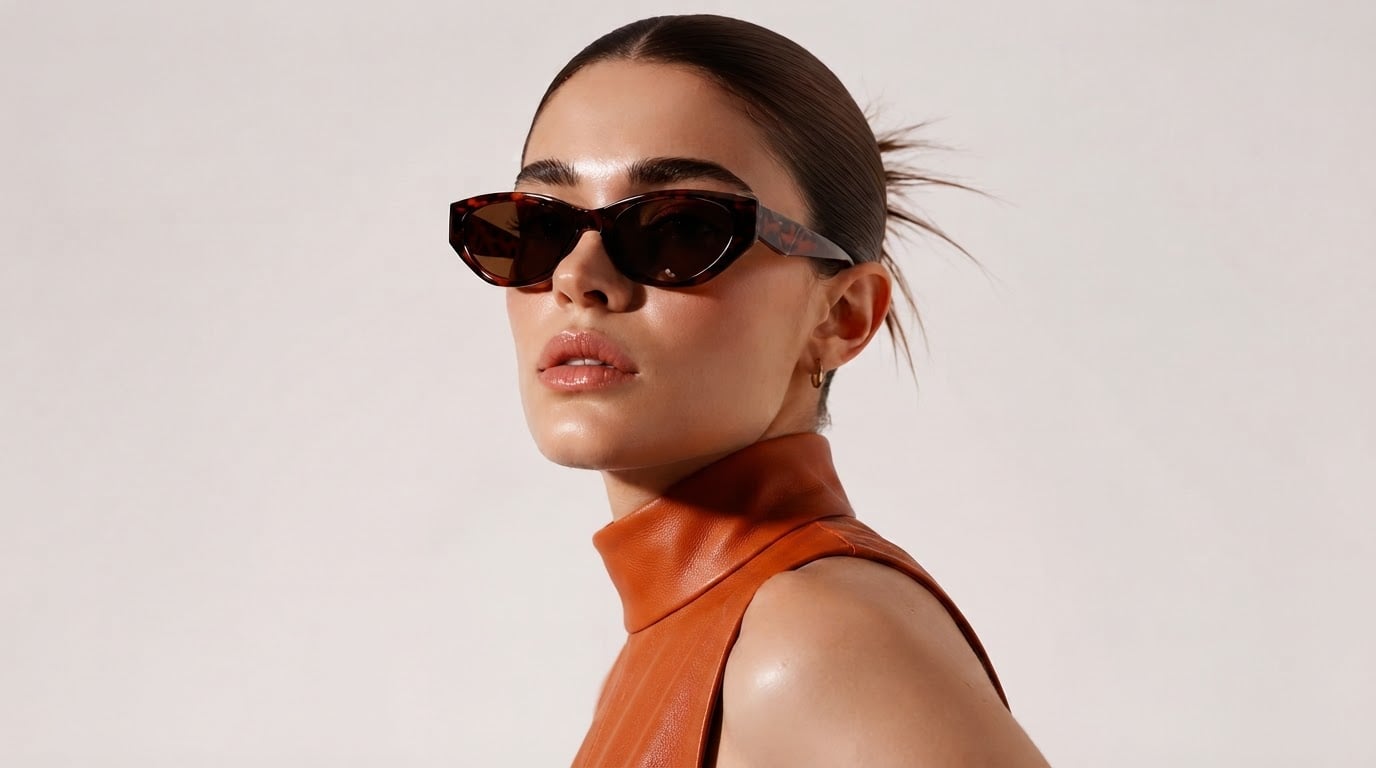
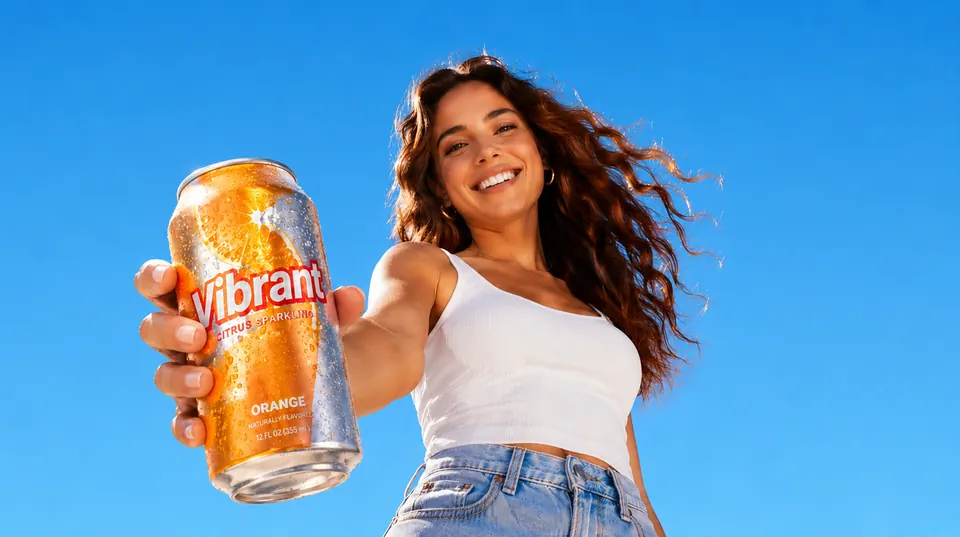

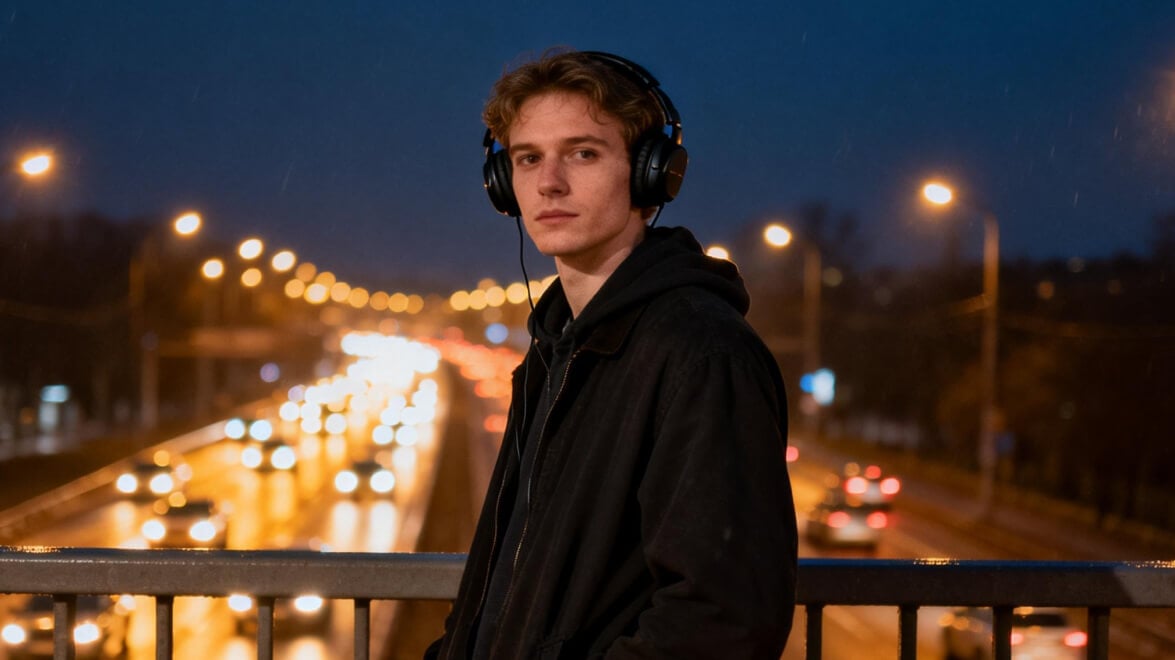

Scroll through the creative directions
Each studio lists currently available models, supported inputs, controls, and credit costs. Options vary by task and may change over time.
 Seedance 2.5
 MiniMax H3 MaxSeedance 2.0Seedance 2.0 MiniMiniMax H3
 Wan 3.0
 Kling 3.0 Turbo
 Gemini Omni Flash 1.1
 HappyHorse 1.1
 FLUX 3 Video
 LTX-2.5 FastWan 2.7
 Veo 3.1
 GPT Image 2.5 FlareGPT Image 2.5 Sunburst
 Nano Banana 2.1Seedream 5.0 ProNano Banana 2Seedream 5.0 Flash
 Qwen Image 3.0
 Grok Imagine Image 2.0Nano Banana ProFLUX.2 Pro
 Ideogram 4.5
 Recraft V4
 Z-Image Turbo
 Suno v6Suno v6 WildSuno v6 Mini
 Flow Music
Creative work, different starting points
Explore an image concept, animate a selected still, or develop an audio direction from one workspace.

Draft a campaign visual around its audience, message, and placement before refining the creative.

Use supported product references to explore listing images and short product clips.

Check model inputs and credit costs against a client brief before choosing a direction.
Scroll through the creative directions
Image, video, and audio workflows share a credit balance. Compare monthly and annual plans, then add a credit pack when needed.
Perfect for beginners exploring AI
$149.99 billed yearly
2,000 Credits / month
Secure checkout · cancel renewal anytime
Ideal for high-frequency creation
$399.99 billed yearly
8,000 Credits / month
Secure checkout · cancel renewal anytime
Designed for extreme production
$1,399.99 billed yearly
30,000 Credits / month
Secure checkout · cancel renewal anytime
Practical notes about inputs, models, credits, and usage rights.
Ready when you are
Turn your next idea into videos, images and music in minutes. Free to start.